Computing:Box
An interactive learning platform for exploring key ideas from the UK Computing Curriculum.

About Computing:Box
Computing:Box is a web-based learning tool designed to help students understand core computing concepts in a clear and practical way. It supports learning across different areas of computing by using interactive activities that make abstract ideas easier to see and understand.
The platform is designed for use in lessons, independent study, and revision, helping students build confidence as they explore how computers work.

From Bit:Box to Computing:Box
Computing:Box began as Bit:Box, a digital version of a physical Binary Light Box created by Mr Davis. The original device used lightbulbs and an Arduino to show how binary numbers are built using on and off values.
By switching lights on and off, students could clearly see how binary counting and place values work. This hands-on approach helped make a difficult topic more accessible and engaging.
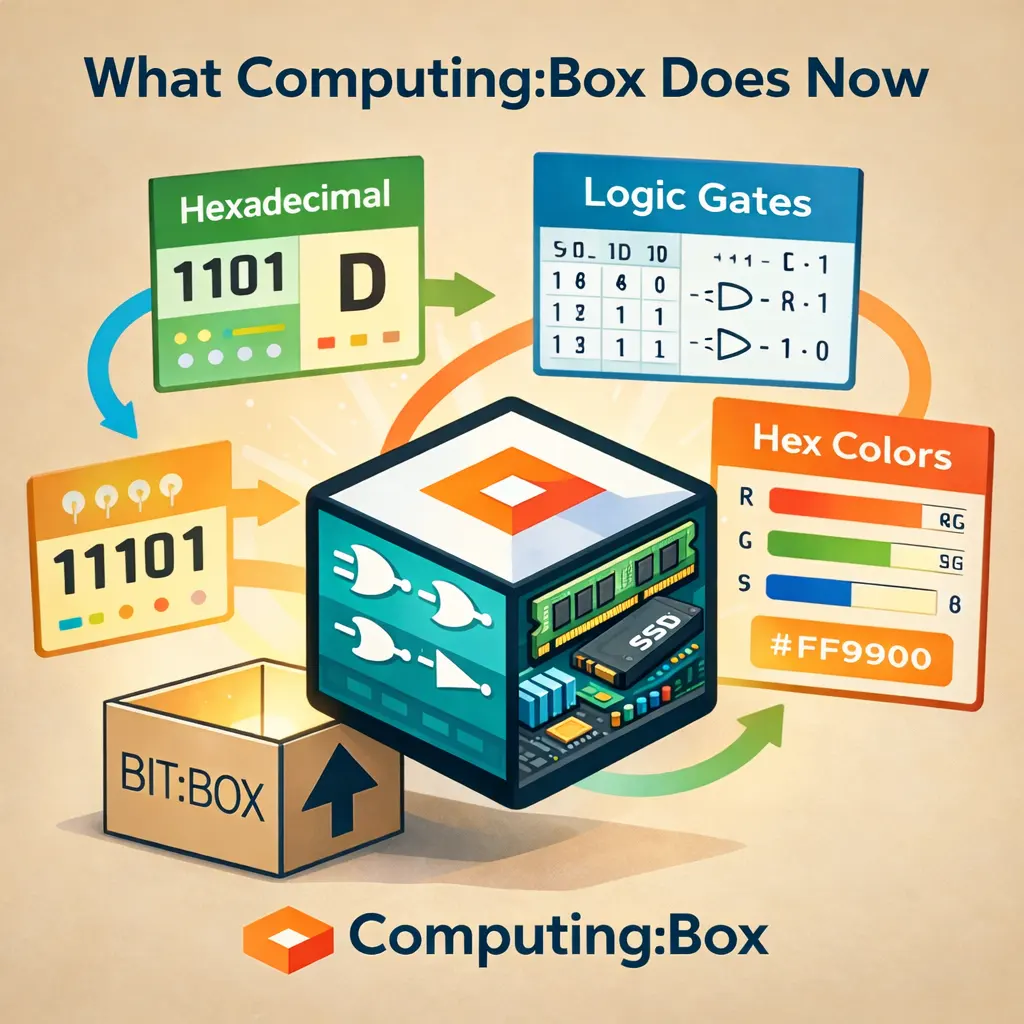
What Computing:Box Does Now
Computing:Box builds on the ideas behind Bit:Box and expands them to cover a wider range of computing topics from the UK Computing Curriculum. In addition to binary, students can now explore areas such as hexadecimal, logic gates, and how colours are represented in computing.
The focus remains on learning by doing. Students can interact with simulations, change values, and see results instantly. This helps them understand how computing concepts work, rather than just memorising rules or steps.
Key Features of Computing:Box
Binary Simulations
Interactive tools that help students understand how numbers work in binary. Students can turn bits on and off and see how the number changes. This helps them learn how binary numbers are built, instead of just memorising conversions.
Hexadecimal Tools
Easy-to-use tools that help students learn hexadecimal. Students can practise changing numbers between binary, denary, and hexadecimal. Clear steps and visual support help students understand how the number systems are connected.
Logic Gates
Simple simulations that show how logic gates work. Students can change the inputs and see the output update instantly. This helps them understand how gates like AND, OR, and NOT make decisions inside computers.
Hex Colors
A visual tool that shows how colours are created using hexadecimal values. Students can see how red, green, and blue values change a colour. This helps link hexadecimal numbers to real uses like websites and digital design.
User-Focused Design
Computing:Box is accessible on any device with a browser. Its web-based design ensures students can engage with computing concepts from any location, promoting independent learning and experimentation.

Educational Impact
Computing:Box is more than a set of interactive tools. It is designed to help students learn computing concepts step by step, using clear visuals and simple interactions.
By changing values and seeing results straight away, students can build understanding at their own pace. This supports learners with different levels of confidence and helps make challenging ideas easier to grasp.
Whether students are learning binary for the first time or developing their understanding of hexadecimal and logic gates, Computing:Box provides a clear and practical way to learn. The platform reflects a focus on creating accessible, student-friendly resources that support learning in the modern classroom.